Dynamics 365 Business Central: using secrets in JsonObjects.
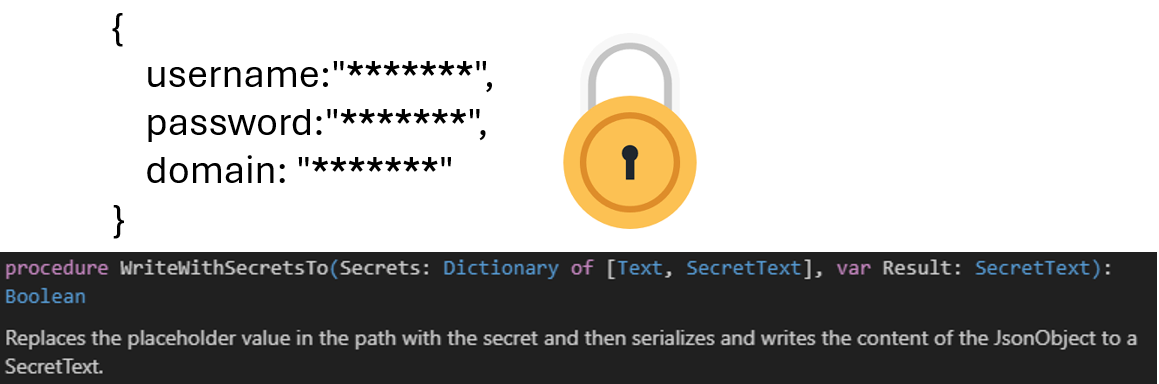
Handling secrets securely in JSON objects for API integrations in Business Central requires using the new WriteWithSecretsTo method introduced in runtime 15.1 (version 26.1). This method replaces placeholder values with SecretText credentials before serializing the JSON, preventing secrets from being exposed during debugging.
 post Stefano Demiliani
"Using the SecretText data type in AL is absolutely a best practice for security."
Key points
- SecretText data type protects secrets from debugging exposure in AL code since version 23
- Runtime 15.0 (version 26.0) does not support passing SecretText directly to JsonObject or JsonToken
- WriteWithSecretsTo method in runtime 15.1 allows embedding secrets into JSON using placeholders and JPath format
- Method takes a Dictionary mapping paths to SecretText values and produces a new SecretText containing the serialized JSON with secrets replaced
Quotes
- “Using the SecretText data type in AL is absolutely a best practice for security.” (Establishes that SecretText is the recommended approach for handling credentials in Business Central development)
- “With runtime 15.1, Microsoft introduces the new WriteWithSecretsTo method to a JsonObject.” (Announces the solution to the previously unsolvable problem of embedding secrets in JSON structures)
- “Your secrets will be unvisible and secured from debugging now…” (Confirms the security benefit that secrets remain hidden during debugging operations)
Context
- Features: SecretText data type, WriteWithSecretsTo method, JsonObject, JsonToken
- Versions: 23, 26.0, 26.1, runtime 15.0, runtime 15.1
Source: Stefano Demiliani, community blog. Summary, key points and quotes are derived (CONTENT-NOTICE.md); read the original for the full text.