Dynamics 365 Business Central: important changes in PTE management.
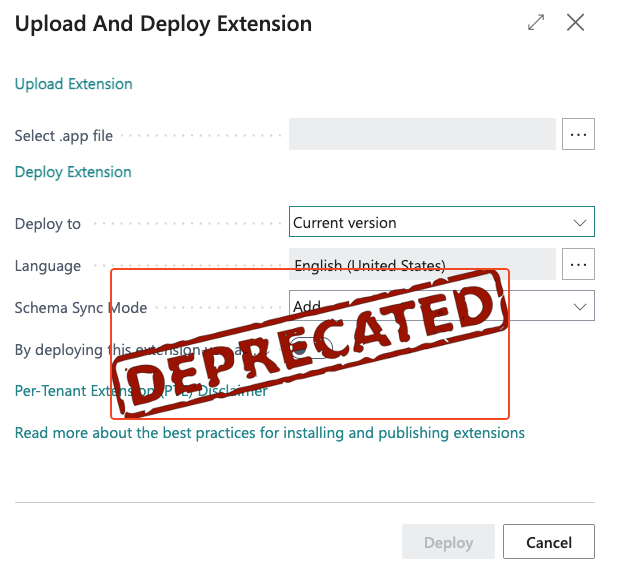
The Business Central Admin Center is gaining new PTE management capabilities, allowing administrators to upload, schedule installation, and uninstall per-tenant extensions directly. Starting in version 30 (2027 wave 1), the Extension Management page will no longer support PTE installation and will be limited to viewing only.
 post Stefano Demiliani
Key points
- Administrators can now upload PTEs and schedule their installation via the Admin Center’s Manage Apps page, with flexible deployment timing options
- PTE installations can be scheduled immediately, during the next update window, or during minor/major updates, with database sync mode options available
- Only users with Dynamics 365 Business Central Administrator or Dynamics 365 Administrator roles can access the Admin Center for PTE management
- Version 30 (2027 wave 1) will remove PTE installation from the Extension Management page, leaving it for viewing only
- A new Admin Center API version 2.29 enables programmatic PTE installation and scheduling
Context
- Features: PTE upload and installation scheduling, Deployment schedule options, Database schema sync mode selection, Extension Management page, Admin Center API 2.29
- Versions: 2027 wave 1, version 30
Source: Stefano Demiliani, community blog. Summary, key points and quotes are derived (CONTENT-NOTICE.md); read the original for the full text.