How to ask questions about your repo with GitHub Agentic Workflows
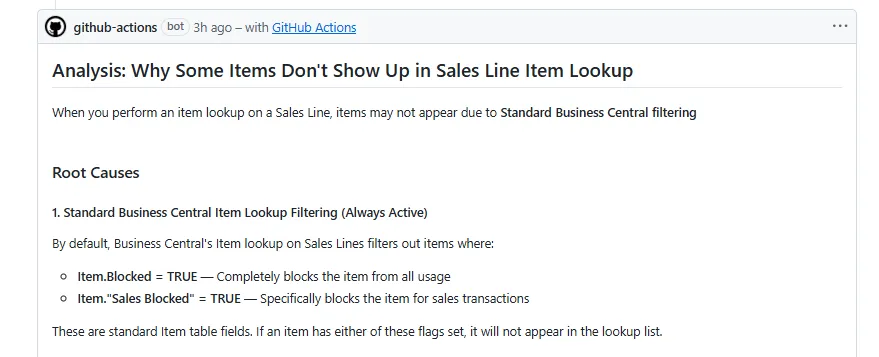
GitHub Agentic Workflows enable teams to ask questions about a Business Central extension repository without cloning code or setting up a development environment. An AI agent reads GitHub issues and replies with code insights, citations, and relevant file paths.
Read it hereOpen in Claudehttps-thatnavguy-com-blog-2026-ask-agent-questions-github-agentic-workflows--36d2ed9087.md
 post That NAV Guy
Key points
- Ask Agent uses GitHub Copilot to read issues and search repository code for answers without changing source code or opening pull requests
- Setup requires installing GitHub CLI with gh-aw extension, compiling a Markdown workflow file, and configuring Copilot inference access
- Non-developers with repository read access can ask questions via /ask comments in GitHub issues without needing Visual Studio Code or local setup
- The agent cites relevant file paths and line numbers but only has access to repository code, not live environments or customer data
- Follow-up questions are supported by adding additional /ask comments with specific clarifications
Heads up
- warning: “The agent gets read access, and a controlled output step can publish one answer comment per run.”
- warning: “Check the cited code before making a business decision or changing the solution. Don’t put passwords or sensitive customer details in your questions.”
Context
- Features: GitHub Agentic Workflows, Ask Agent workflow, GitHub Copilot integration, issue-based question answering, repository code search, file citation
Source: That NAV Guy, community blog. Summary, key points and quotes are derived (CONTENT-NOTICE.md); read the original for the full text.