BC Friday Tips #75 Dynamics BC Excel Reports
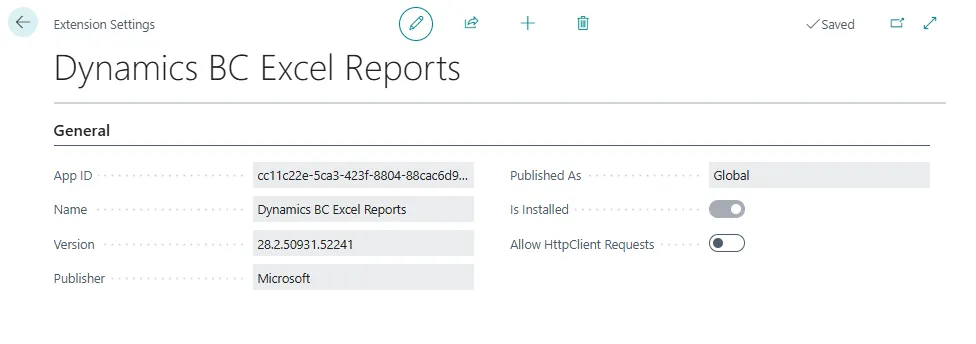
Excel Reports objects in Business Central belong to the Dynamics BC Excel Reports extension rather than the Base Application, requiring developers to add it as a dependency when extending these objects.
Read it hereOpen in Claudehttps-thatnavguy-com-blog-2026-bc-friday-tips-75-dynamics-bc-excel-reports--cd3c716212.md
 post That NAV Guy
"The Excel Reports objects are part of the Dynamics BC Excel Reports extension, not the Base Application."
Key points
- Excel Reports objects are part of the Dynamics BC Excel Reports extension, not the Base Application
- Developers must add the extension as a dependency to extend these objects correctly
- Knowing the source location helps developers find and extend objects properly
Quotes
- “The Excel Reports objects are part of the Dynamics BC Excel Reports extension, not the Base Application.” (Understanding object locations is essential for developers to properly reference and extend features in Business Central.)
- “If you want to extend those objects, you must add the extension as a dependency in your app.” (This clarifies the technical requirement for extending Excel Reports, ensuring developers follow correct implementation patterns.)
Context
- Features: Excel Reports
Source: That NAV Guy, community blog. Summary, key points and quotes are derived (CONTENT-NOTICE.md); read the original for the full text.