BC Friday Tips #85 Schedule PTE Extension Updates from the Admin Centre
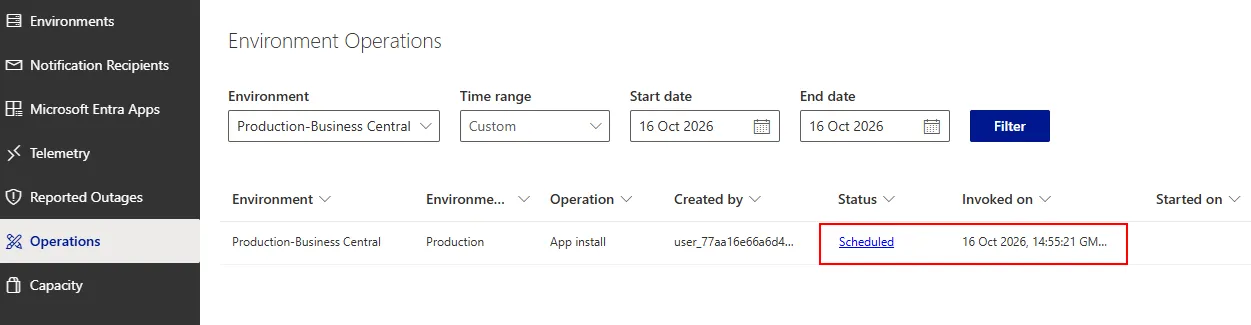
You can schedule PTE extension updates from the Business Central Admin Centre during a configured update window instead of deploying manually outside business hours. This feature lets you plan deployments ahead and have Business Central apply them automatically at the scheduled time.
Read it hereOpen in Claudehttps-thatnavguy-com-blog-2026-bc-friday-tips-85-schedule-pte-extension-updates--b3aee1ab46.md
 post That NAV Guy
"You can schedule PTE extension updates from the Business Central Admin Centre instead of deploying them manually outside business hours."
Key points
- Set your environment’s update window to occur outside working hours
- Upload PTE extensions and schedule them for the next update window
- Business Central automatically deploys extensions during the scheduled window
- Eliminates manual deployments and after-hours work for extension updates
Quotes
- “You can schedule PTE extension updates from the Business Central Admin Centre instead of deploying them manually outside business hours.” (This is the core capability that solves the problem of having to work outside normal hours for deployments.)
Context
- Features: PTE extension scheduling, Update window configuration, Automatic extension deployment
Source: That NAV Guy, community blog. Summary, key points and quotes are derived (CONTENT-NOTICE.md); read the original for the full text.