Business Central 2026 release wave 1 (BC28): Experience improved usability in manufacturing
BC28 (2026 wave 1) improves manufacturing usability by enhancing serial-tracked item handling in output journals, ensuring capacity and overhead costs post to location-specific WIP accounts, and adding customizable notifications for non-certified BOMs and routings.
 post Dynamics 365 Lab
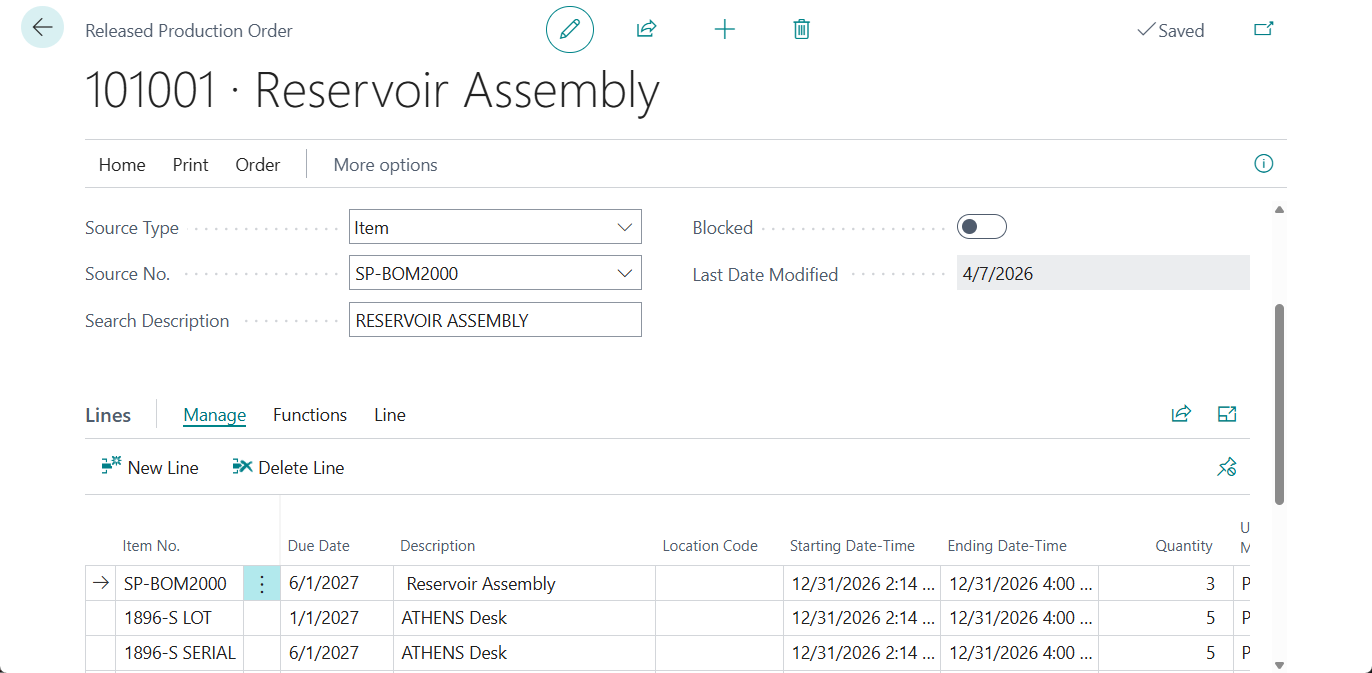
"For serial-tracked items, Business Central splits the last routing operation into multiple lines with quantity 1 per serial number."
Key points
- Explode Routing in the Output Journal now follows item tracking, so serial-tracked items get one line with quantity 1 per serial number while lot-tracked items stay on a single line
- Value entries linked to capacity ledger entries now carry the location code from the production order line or item journal line
- Capacity and overhead postings use the Inventory Posting Setup for the production location, which keeps WIP accounts balanced
- You no longer need an Inventory Posting Setup line for a blank location just to post overhead
- A new My Notifications setting lets each user turn warnings about non-certified production BOMs and routings on or off
Quotes
- “For serial-tracked items, Business Central splits the last routing operation into multiple lines with quantity 1 per serial number.” (This ensures accurate production output recording for tracked items without manual workarounds.)
- “Business Central uses the production location when posting capacity and overhead.” (This prevents WIP account imbalances when material and costs are posted to different locations.)
- “Now, Microsoft has added a new My Notifications setting so you can control whether to display warnings for non-certified production BOMs and routings.” (Users can reduce notification noise while maintaining oversight of non-certified structures.)
AL objects mentioned
As named in the post. A name that matches one object page by exact type and name links to it; the others stay as named.
Possibly related
No source states these links: they share an object, a model read them, or a person found the same subject.
- Business Central 2026 release wave 2 (BC29): New notification bar — possibly related: both name Page 1518 “My Notifications”
- Schedule jobs to run automatically — possibly related: names Page 1518 “My Notifications”
- Use Multiple Customer VAT Registration Numbers — possibly related: names Page 1518 “My Notifications”
Context
- Features: Explode Routing with item tracking, Location-based capacity posting, Location-based overhead posting, Customizable non-certified BOM warnings, Customizable non-certified routing warnings, Description 2 field on production pages, Approvals for requisition worksheets, Approvals for item journals
- Versions: BC28, 2026 wave 1
Source: Dynamics 365 Lab - Yun Zhu, community blog. Summary, key points and quotes are derived (CONTENT-NOTICE.md); read the original for the full text.