New Features for Report Lifecycle Management in Business Central 28.1
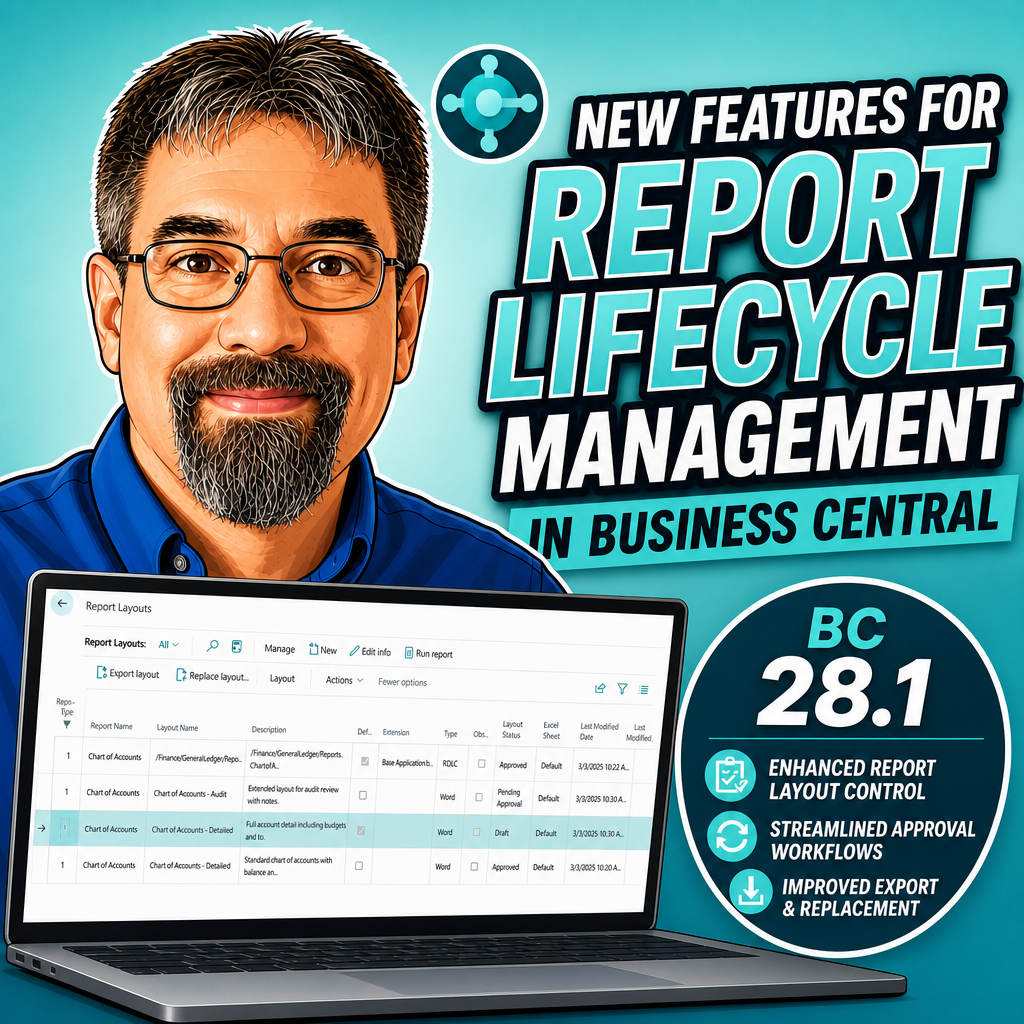
Business Central 28.1 introduces report layout lifecycle management with status tracking. The Report Layouts page now supports Draft, Pending Approval, Approved, and Retired statuses, allowing developers to manage report layout versions without exposing incomplete versions to end users.
 post Aardvark Labs
"Business Central 28.1 adds a new feature to report management allowing for a lifecycle process around report layouts."
Key points
- Report layouts now have status states: Draft, Pending Approval, Approved, and Retired
- Only Approved layouts are visible to end users; others remain hidden
- Draft and Pending Approval statuses allow developers to test layouts from the Report Layouts screen
- Layout status can be changed via the Actions menu without creating new sandboxes
- Retired status hides old layouts while keeping new versions available
Quotes
- “Business Central 28.1 adds a new feature to report management allowing for a lifecycle process around report layouts.” (Establishes the core capability being introduced that solves the challenge of managing report layout versions across development and production environments.)
AL objects mentioned
As named in the post. A name that matches one object page by exact type and name links to it; the others stay as named.
Context
- Features: Report layout status management, Draft status for reports, Pending Approval status for reports, Approved status for reports, Retired status for reports, Layout lifecycle control
- Versions: 28.1
Source: Aardvark Labs, community blog. Summary, key points and quotes are derived (CONTENT-NOTICE.md); read the original for the full text.