BC Word Layout MCP (Part 1): Get started with AI-assisted Word layouts
BC Word Layout MCP is an AI-assisted tool for developers and functional consultants to modify Word report layouts in Business Central. It provides inspection, editing, validation, and preview capabilities without requiring knowledge of Word's internal document structure, and works with exported layouts using local file permissions.
Open in Claudehttps-bccaptain-com-au-2026-08-04-bc-word-layout-mcp-introduction--cb610a83ff.mdRead the original on BC Captain

Key points
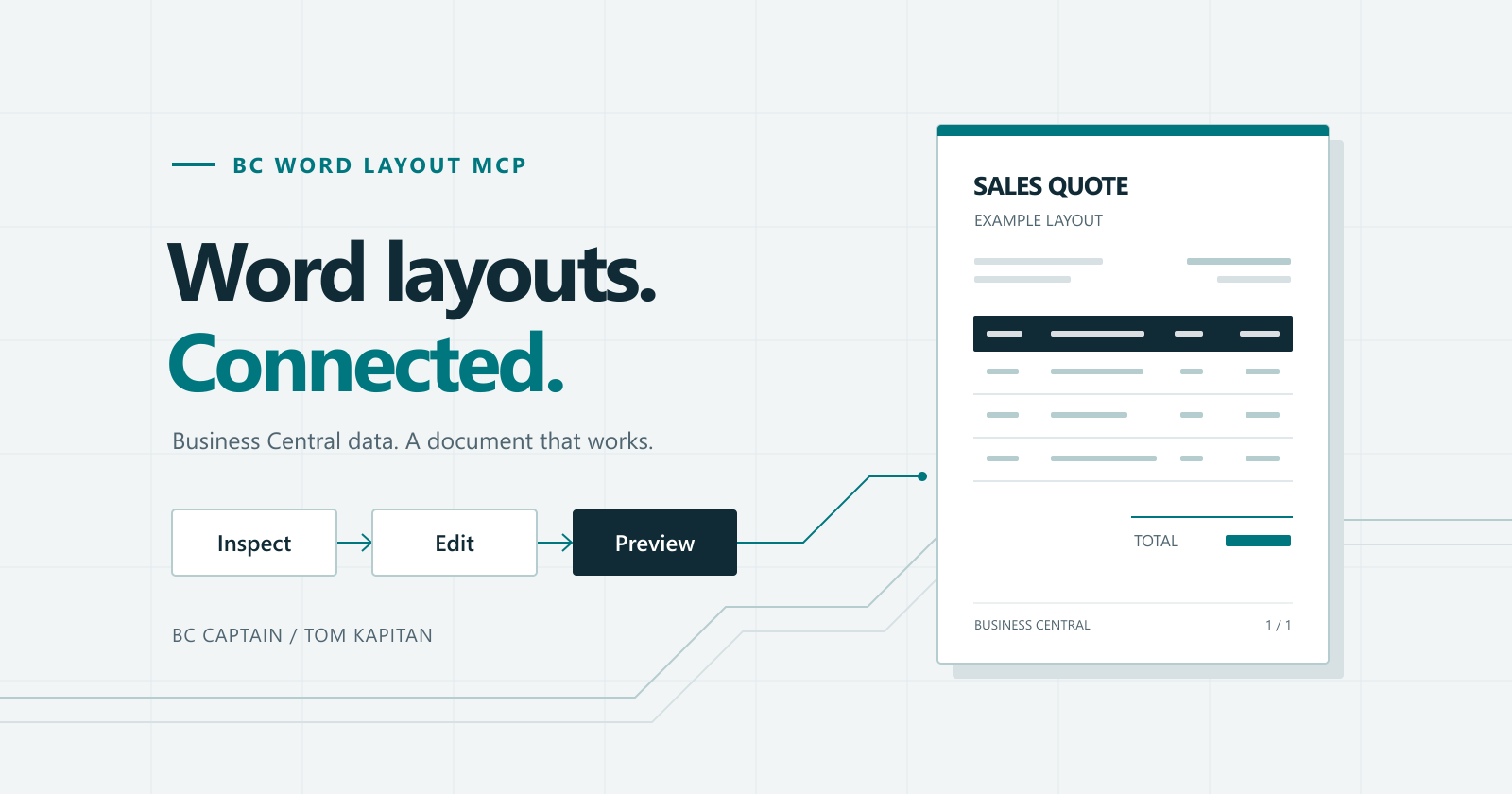
- The agent inspects a layout with get_layout_info and list_dataset_fields, then edits, validates and produces a local preview
- The user must confirm which dataset field matches the business requirement, since the agent only finds the fields that are available
- Missing data has to be added to the report or report extension by an AL developer, after which refresh_xml_part updates the working layout
- v2.0.0 adds two skills: one turns a finished Word design into a bound layout, and one handles separate body, header/footer and theme layouts
- Validation and preview do not prove the right values print, so test the layout in a sandbox before replacing a production layout
Quotes
- “The layout can only print what the report dataset provides.” (Explains why missing fields require AL developer involvement rather than layout-only solutions)
- “Use this short loop: inspect, edit, validate, preview, then test in BC.” (Provides the recommended workflow for layout changes before production deployment)
Heads up
- gotcha: “Do not ask it to invent a dataset field or calculate a missing total inside the Word layout.”
Context
- Features: Word layout inspection, Layout editing, Field binding validation, Document preview generation, Dataset field listing, XML part refresh, Companion design skills
- Versions: v2.0.0, v1.0.0
Source: BC Captain, community blog. Summary, key points and quotes are derived (CONTENT-NOTICE.md); read the original for the full text.