Business Central 2026 release wave 1 (BC28): Financial Report Statuses and Financial Report Categories
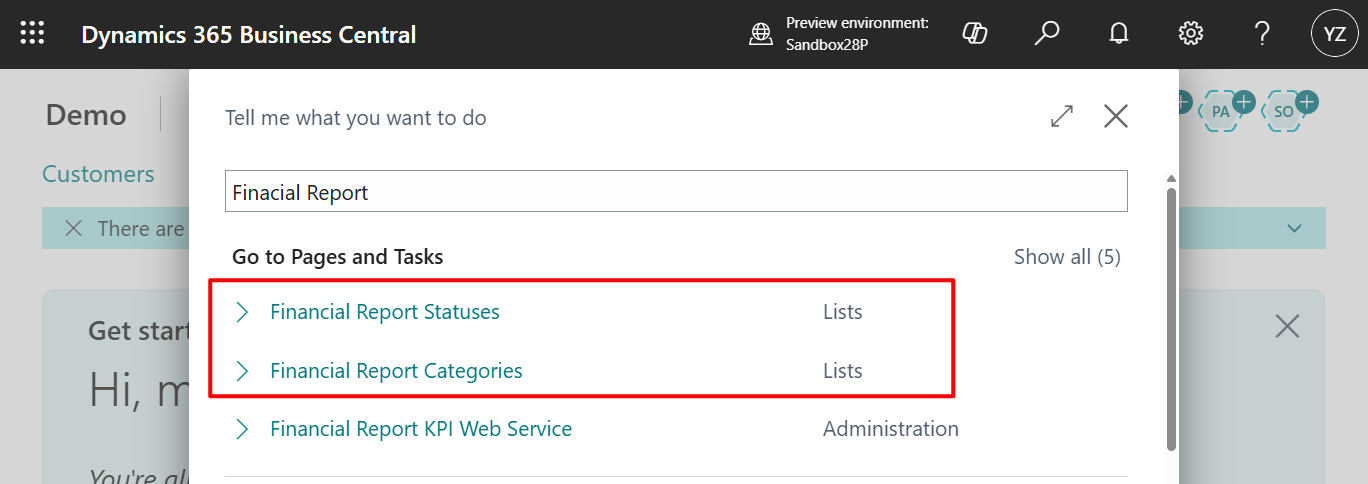
Business Central 2026 wave 1 introduces Financial Report Statuses and Financial Report Categories to organize and manage the lifecycle of financial reports, row definitions, and column definitions. Use this when you need to control visibility of work-in-progress and retired financial reporting configurations.
 post Dynamics 365 Lab
"Organize your financial reports with financial report categories, helping you find and manage financial reports."
Key points
- BC28 adds configurable Financial Report Statuses that manage the lifecycle of financial report, row and column definitions
- Categories help organize and find financial reports and are managed from the Financial Report list and card pages
- Opening a blocked financial report shows a notification, and selecting a blocked row or column definition shows an inline error
- Blocked statuses do not currently change the default financial report settings in General Ledger Setup
- This builds on earlier work in which financial reports replaced account schedules
Quotes
- “Organize your financial reports with financial report categories, helping you find and manage financial reports.” (Describes the new capability to organize and manage financial reports using categories)
Context
- Features: Financial Report Statuses, Financial Report Categories, Financial Report blocking, Row definition statuses, Column definition statuses, Financial Report list pages, Financial Report card pages
- Versions: 2026 release wave 1 (BC28), BC27
Source: Dynamics 365 Lab - Yun Zhu, community blog. Summary, key points and quotes are derived (CONTENT-NOTICE.md); read the original for the full text.