Business Central 2026 release wave 1 (BC28): Storing Document Attachments outside the database (No customization) – See benefits of external storage support for document attachments
BC28 introduces external storage support for document attachments, allowing organizations to store attachments in SharePoint, Azure, or SFTP instead of the database. This reduces database capacity usage, improves performance, and provides better cost control and scalability for document-heavy processes without requiring customization.
 post Dynamics 365 Lab
"By default, Business Central customers can use up to 80 GB of database storage capacity across all their environments (production and sandbox)."
Key points
- Attachments can be stored externally in SharePoint, Azure Blob Storage, Azure File Share, or SFTP to reduce database capacity consumption
- Setup requires configuring external file accounts with appropriate authentication credentials and permissions
- The feature includes storage synchronization capabilities to migrate existing attachments and manage external files
- Organizations remain responsible for managing, backing up, and securing externally stored files; Microsoft does not manage them
Quotes
- “By default, Business Central customers can use up to 80 GB of database storage capacity across all their environments (production and sandbox).” (Establishes the storage constraint that makes external storage necessary for many organizations)
AL objects mentioned
As named in the post. A name that matches one object page by exact type and name links to it; the others stay as named.
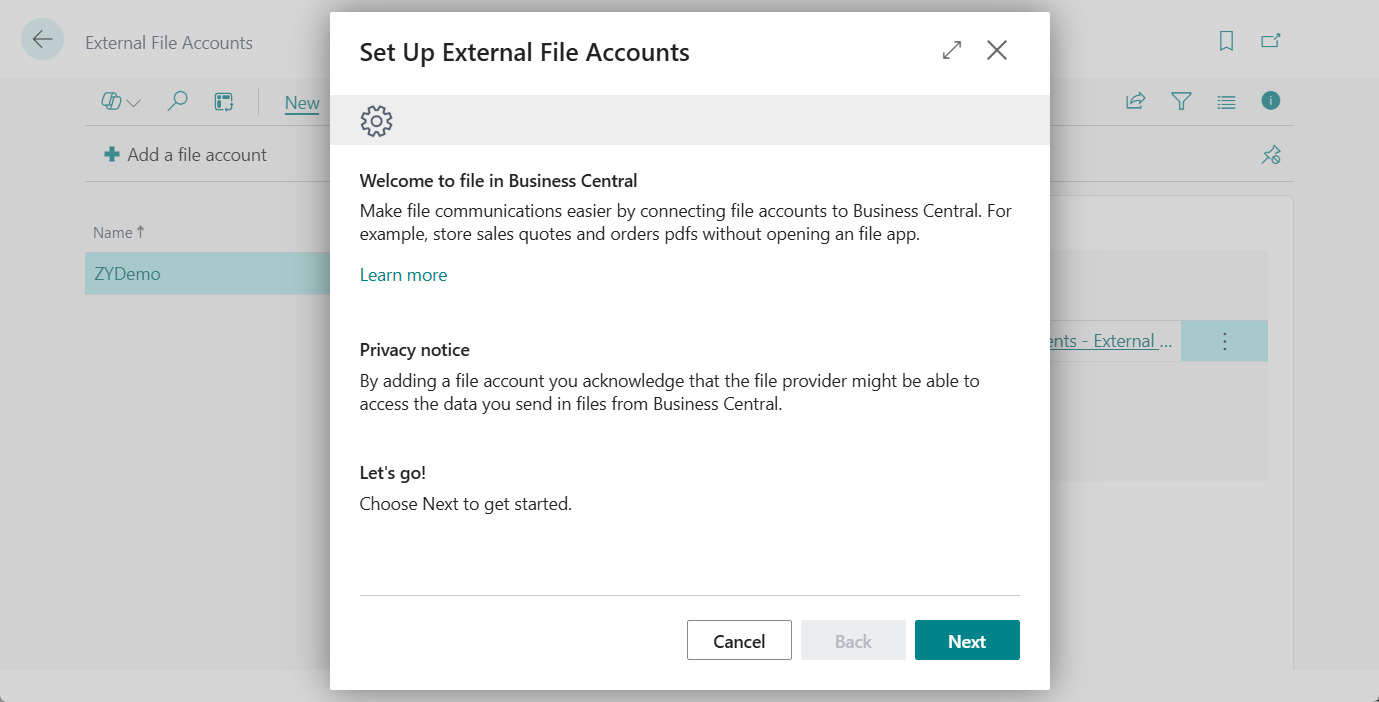
- page “Set Up External File Accounts”
- page “External File Accounts”
- page “External Storage Browser”
- page “External Storage Setup”
- page 9455 “Storage Browser”
- codeunit 4580 “Ext. SharePoint Connector Impl”
- codeunit 9455 “External File Storage Impl.”
- codeunit 9454 “External File Storage”
- codeunit 9458 “File Account Browser Mgt.”
- codeunit 9451 “File Account Impl.”
Not found in BC28-30: page “Set Up External File Accounts”, page “External File Accounts”, page “External Storage Browser”, page “External Storage Setup”.
Possibly related
No source states these links: they share an object, a model read them, or a person found the same subject.
- Dynamics 365 Business Central: How to quickly strip not supported chars in File Name via AL — possibly related: both name Codeunit 9458 “File Account Browser Mgt.”
Heads up
- warning: “You are responsible for the configuration, security, compliance, backup, and recovery of all externally stored files.” (about version 28, version BC28)
- warning: “Microsoft does not manage, back up, or restore data stored in external storage.” (about version 28, version BC28)
- gotcha: “This extension is not automatically installed in upgraded environments.” (about other External Storage – Document Attachments, version 28, version BC28)
Context
- Features: External storage support for document attachments, SharePoint connectivity, Azure Blob Storage integration, Azure File Share integration, SFTP server support, Storage synchronization, File migration between environments, Attachment lifecycle management
- Versions: BC28, 2026 release wave 1
Source: Dynamics 365 Lab - Yun Zhu, community blog. Summary, key points and quotes are derived (CONTENT-NOTICE.md); read the original for the full text.